
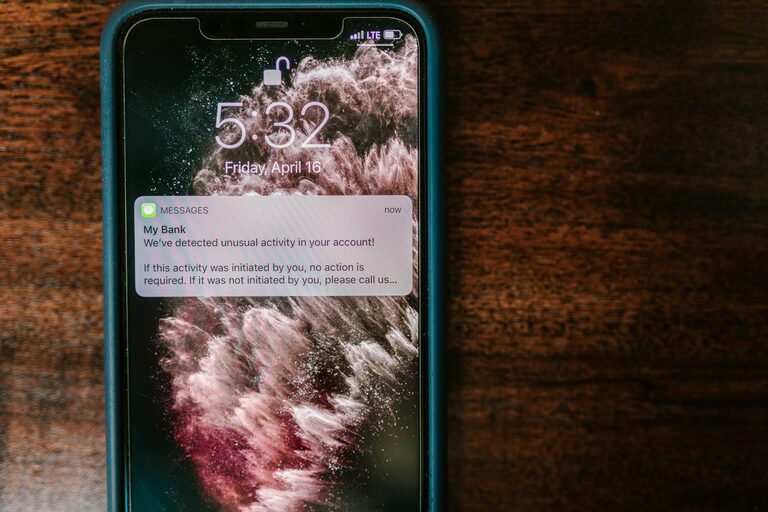
In today’s digital world, notifications are everywhere—popping up on our phones, computers, and smartwatches. While they can be useful for staying informed, constant alerts can often lead to distractions, stress, and reduced productivity. Learning how to set healthy boundaries with notifications can help you regain control over your attention and improve your overall well-being.
In this post, we’ll explore practical tips to help you manage notifications effectively without missing important updates.
Why Setting Boundaries with Notifications Matters
Notifications are designed to grab your attention, often interrupting whatever you’re doing. When your focus is constantly broken, it can be difficult to complete tasks, think deeply, or relax. Over time, this can contribute to feelings of overwhelm, stress, and burnout.
By setting clear boundaries, you create a healthier relationship with technology. You stay connected when it matters, without letting notifications control your day.
Tips for Managing Notifications
1. Audit Your Notifications Regularly
The first step is to understand what notifications you receive and decide which ones are truly necessary.
– Review apps: Go through your apps and check which ones send you notifications.
– Delete or disable: Remove notifications from apps that don’t add value or that you rarely use.
– Prioritize: Keep notifications for important apps like messaging, email, or calendar events.
Performing a regular audit (monthly, for example) ensures you stay in control as your app usage changes.
2. Customize Notification Settings on Devices
Most smartphones and computers allow granular control over notifications.
– Set priority levels: Allow only high-priority apps to send alerts.
– Use Do Not Disturb: Schedule “Do Not Disturb” times, such as during work hours or before bed.
– Turn off sound/vibration: Consider silencing notifications and relying on visual badges or banners.
Customizing settings prevents unnecessary distractions while keeping you informed about critical updates.
3. Batch Notification Checks
Instead of responding to every notification immediately, designate specific times to check them.
– Time blocking: Allocate 2–3 short blocks in your day to review messages and alerts.
– Avoid constant checking: Ignoring notifications temporarily improves focus and reduces anxiety.
– Respond thoughtfully: When you check notifications, handle each item with attention rather than rushing.
Batching helps maintain workflow without letting interruptions disrupt your momentum.
4. Use App-Specific Features
Many apps have built-in options to help you control notifications effectively.
– Mute chats or groups: Silence noisy group chats temporarily or permanently.
– Set quiet hours: Apps like WhatsApp and Slack let you schedule quiet hours.
– Use “priority only” modes: Some apps allow notifications only from specific contacts or channels.
Explore the settings in your most-used apps to tailor notifications to your preferences.
5. Create Physical Boundaries
Your environment can help reinforce digital boundaries.
– Designate device-free zones: Establish areas like the bedroom or dining table where devices are off-limits.
– Charge devices outside the bedroom: Avoid notifications or screen time right before sleep.
– Use physical timers: Set timers or use focus tools like “Pomodoro” to stay on task without digital interruptions.
Physical boundaries complement your digital settings and support better habits.
6. Communicate Your Boundaries Clearly
Let friends, family, and colleagues know about your notification preferences.
– Set expectations: Inform people about when and how you will respond to messages.
– Use status or auto-replies: Update status messages or use automatic responses during your quiet times.
– Encourage understanding: Explain why you limit notifications to maintain productivity or rest.
Clear communication reduces pressure to respond immediately and fosters mutual respect.
7. Make Time for Notification-Free Activities
Cultivating habits that don’t involve constant connectivity brings balance.
– Schedule breaks: Take regular breaks without devices to recharge mentally.
– Engage in hobbies: Read, exercise, or enjoy outdoor activities without digital interruptions.
– Practice mindfulness: Use meditation or quiet reflection to reduce notification-driven stress.
These practices build resilience against the pull of constant alerts.
Final Thoughts
Setting boundaries with notifications isn’t about ignoring technology but about managing it in a way that supports your goals and well-being. By auditing your notifications, customizing settings, batching checks, using app features, establishing physical boundaries, communicating clearly, and embracing notification-free practices, you can reclaim your attention and reduce stress.
Start with small changes today to create a more balanced and focused digital life. Your mind—and your productivity—will thank you!
—
We hope these tips help you develop a healthier relationship with your notifications. Feel free to share your own strategies or questions in the comments below!